GUI usage
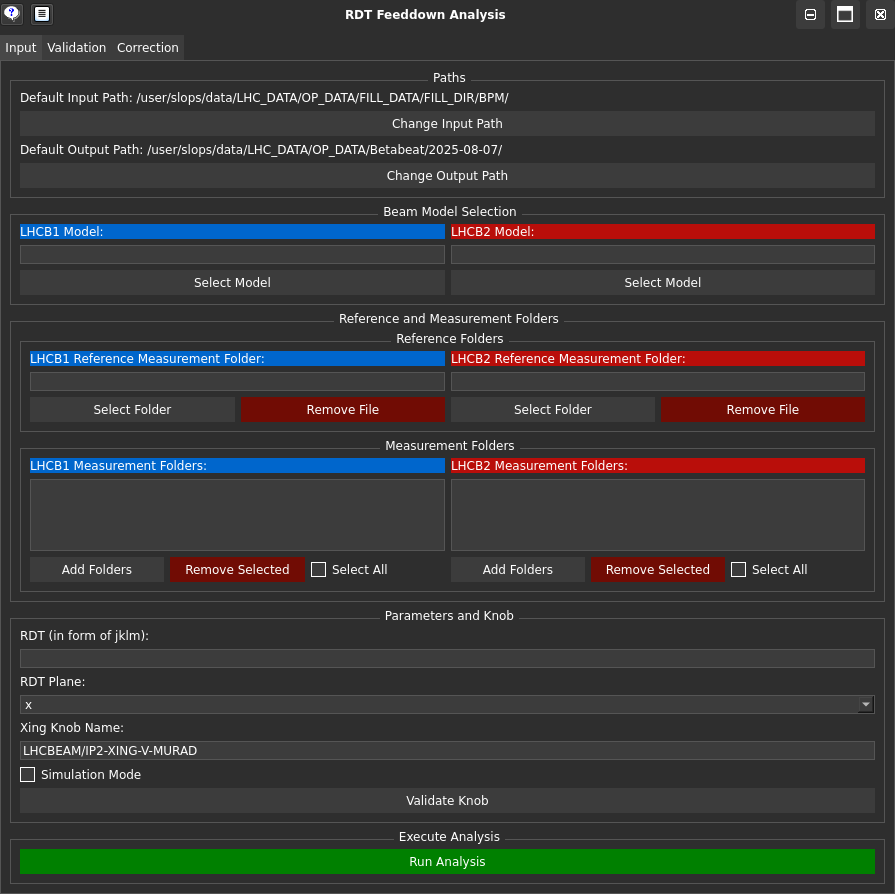
To run the RDTfeeddown GUI, use the following command:
python -m rdtfeeddown
This will launch the graphical user interface where you can interact with the RDTfeeddown functionalities.
To pan in any of the plots, use Ctrl+LeftClick and drag the mouse.